 NorthDroid
Solitaire
Klondike and FreeCell, built to feel right on a phone. Deal a hand, resume where you left off, and keep track of every streak.
Download on the App Store · Free
iPhone and iPad · iOS 15 or later
Screenshots
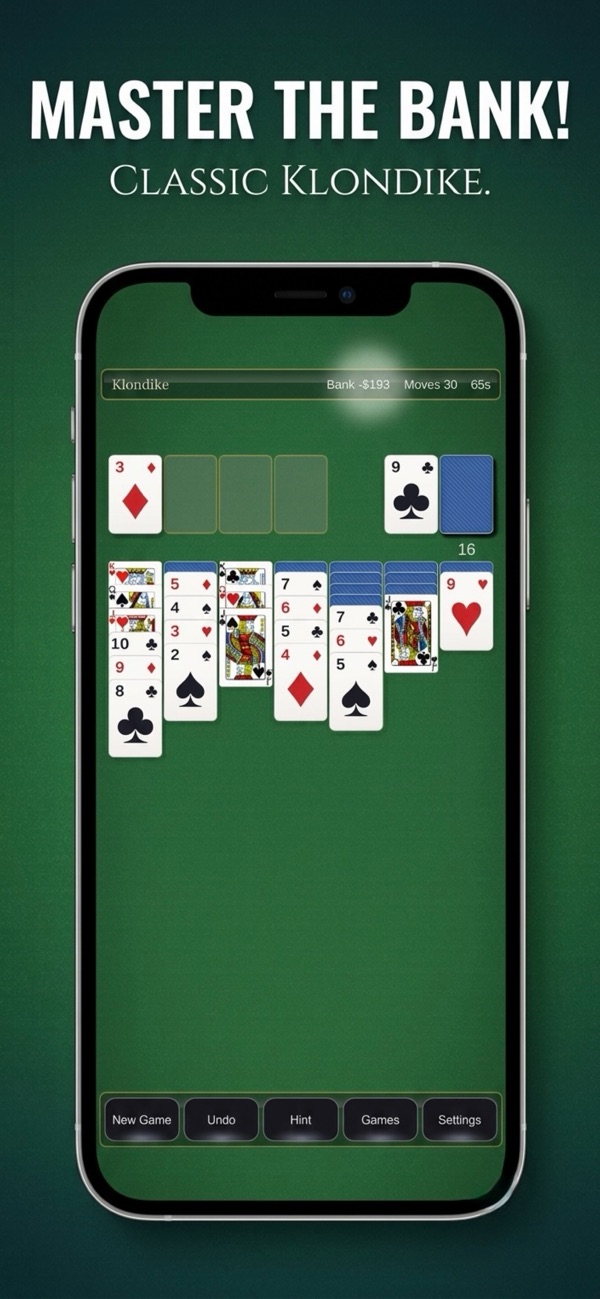
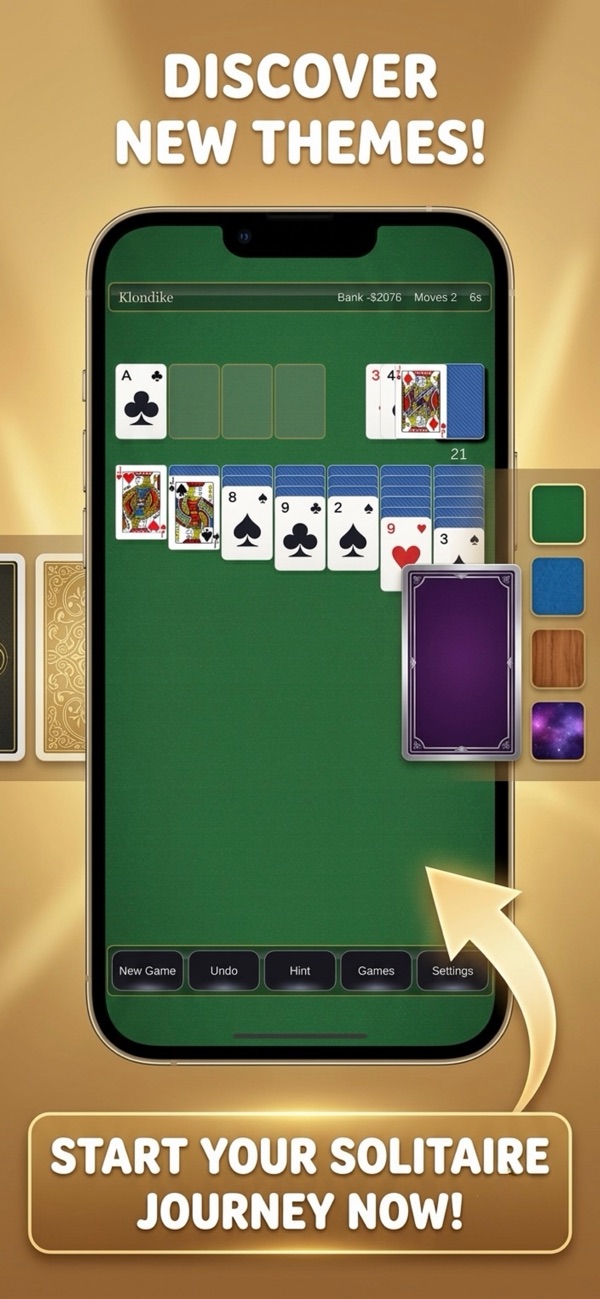
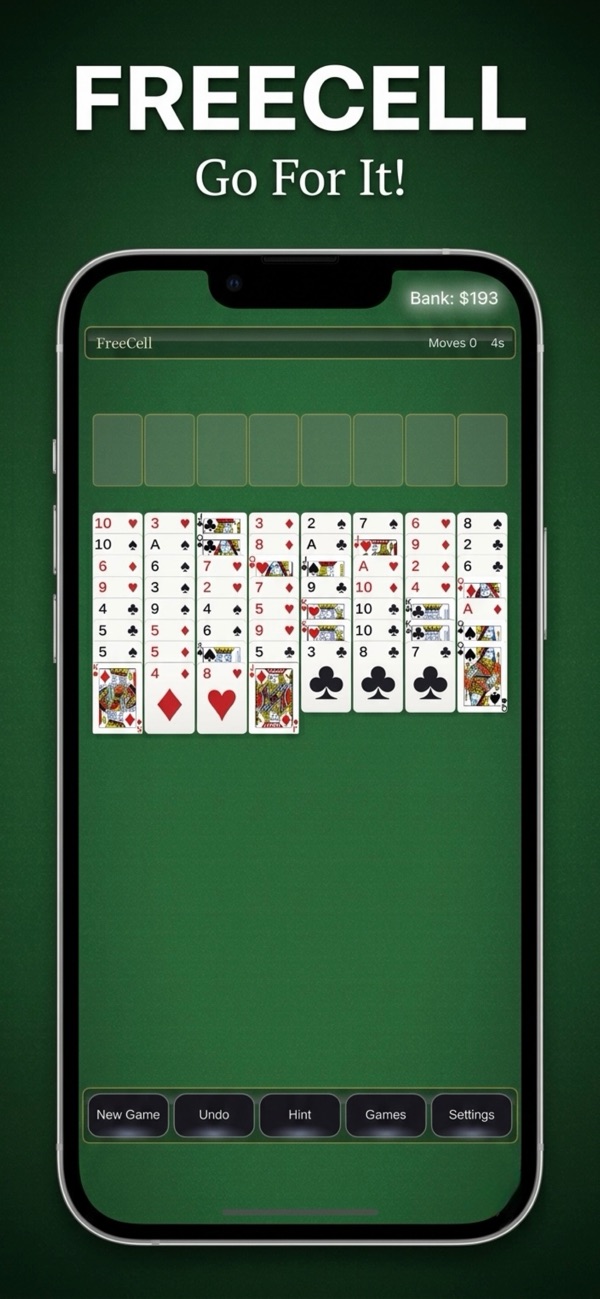
Three ways to play
- Klondike, draw 1 The forgiving classic. One card off the stock at a time.
- Klondike, draw 3 The version that actually makes you think about the waste pile.
- FreeCell Every card visible from the start. Four free cells, no luck to hide behind.
What's in it
Undo, hint, auto-complete
Take a move back, ask where to look next, or send a solved board home without tapping fifty-two times.
A daily challenge
The same deal for everyone, every day, with a calendar of the last thirty days so you can see what you finished.
Lifetime statistics
Games won, current and longest streak, fastest win, fewest moves — tracked separately for each mode.
Pick up where you stopped
Close the app mid-game and reopen it later. The board, the timer and the score are exactly as you left them.
Themes
Classic Green, Midnight Blue and Sunset — table, card back and card faces all change together.
Standard or Vegas scoring
Klondike keeps the familiar Windows-style scoring, with Vegas rules as a switch in settings.
Yours stays yours
Solitaire has no account, no sign-in and no cloud sync. Your games, statistics and settings are written to your device and never sent anywhere by us. The app is free and shows advertising; a one-time Remove Ads purchase turns the banners and interstitials off for good.